 En
En
 Cym
Cym
 Esp
Esp
WRA has developed its own app to enable you to collect details of interested contacts and record salvations and healings etc when on mission. We expect this to be used mainly in street work, but can also be used in specific events where we need to record details for local churches to follow up. This is not a public link and you should only download the app if you have been sent here to do so.
Below are instructions for iphone and Android phones.
On Safari (must be Safari!) on your iphone, go to this address - https://walesrevival.org.uk/streetapp/ or click the button below.
Once you pass the introductory screen with the WRA logo, you should see this screen (Screenshot 1 below).
Don't fill in anything yet, but click the three dots at the bottom right corner.
Then click the share icon (circled, Screenshot 2). Scroll down to Add to Home Screen and click that (Screenshot 3).
 Finally, click "Add" and the app icon (left) will appear on your iphone's main screen (somewhere among all your highly intellectual games)!
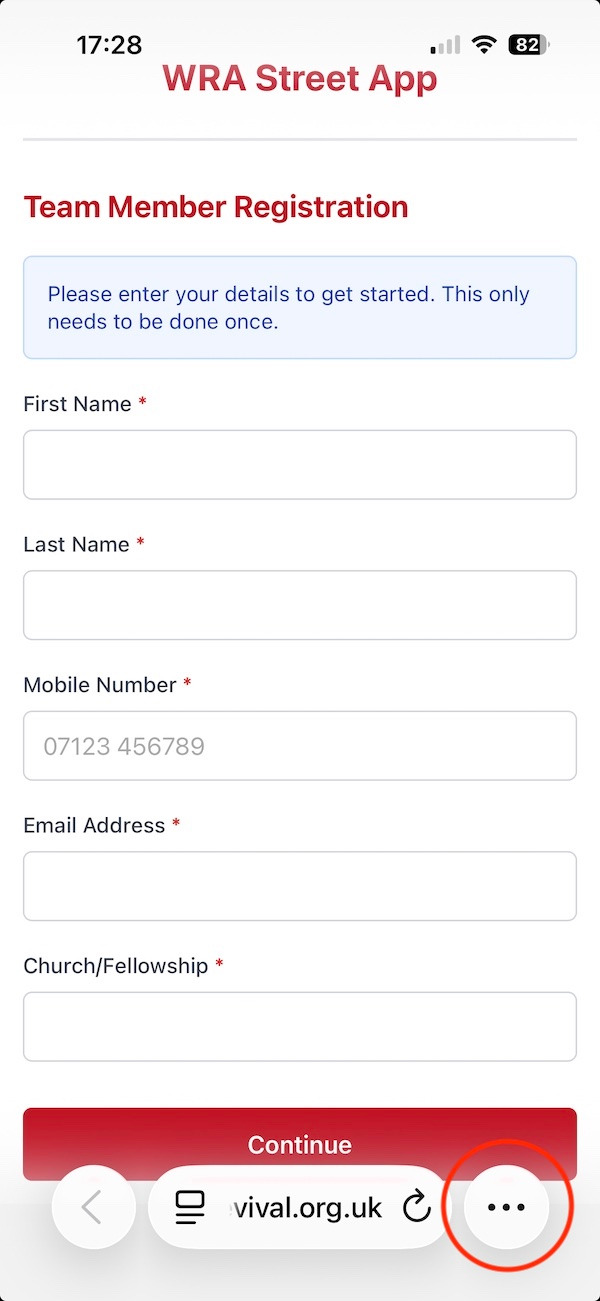
Screenshot 1
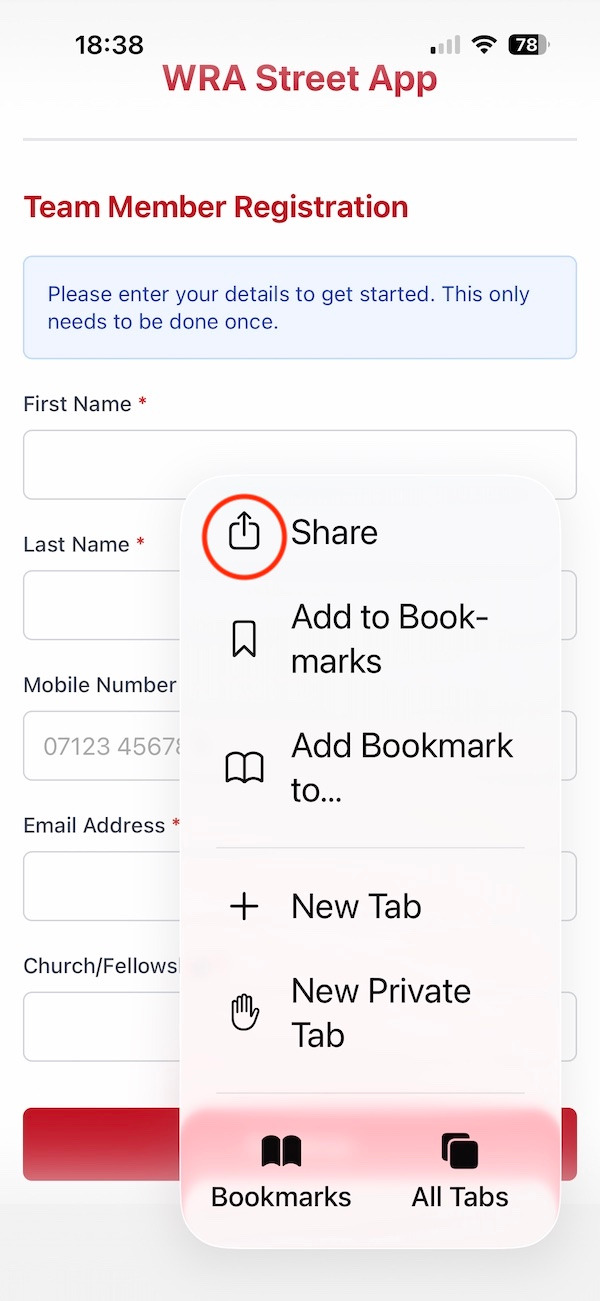
Screenshot 2
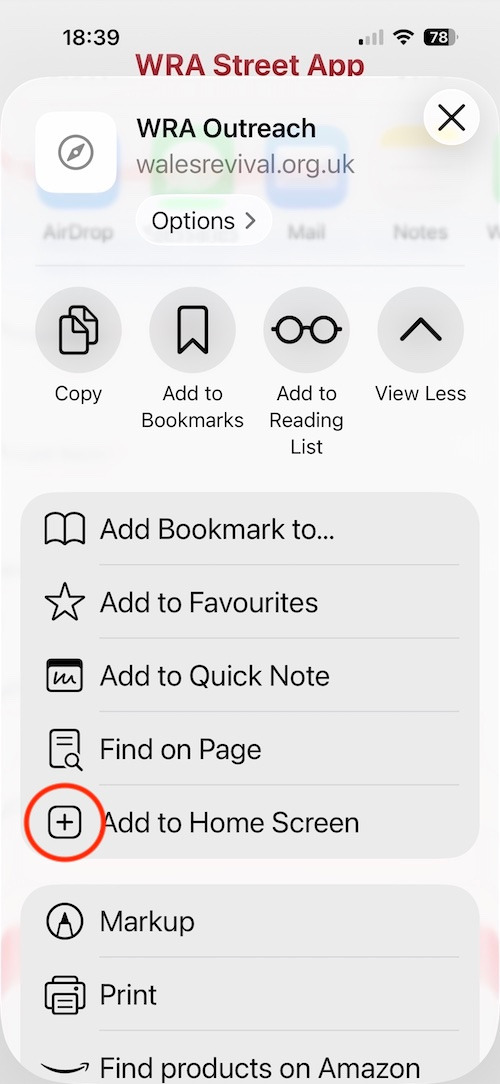
Screenshot 3
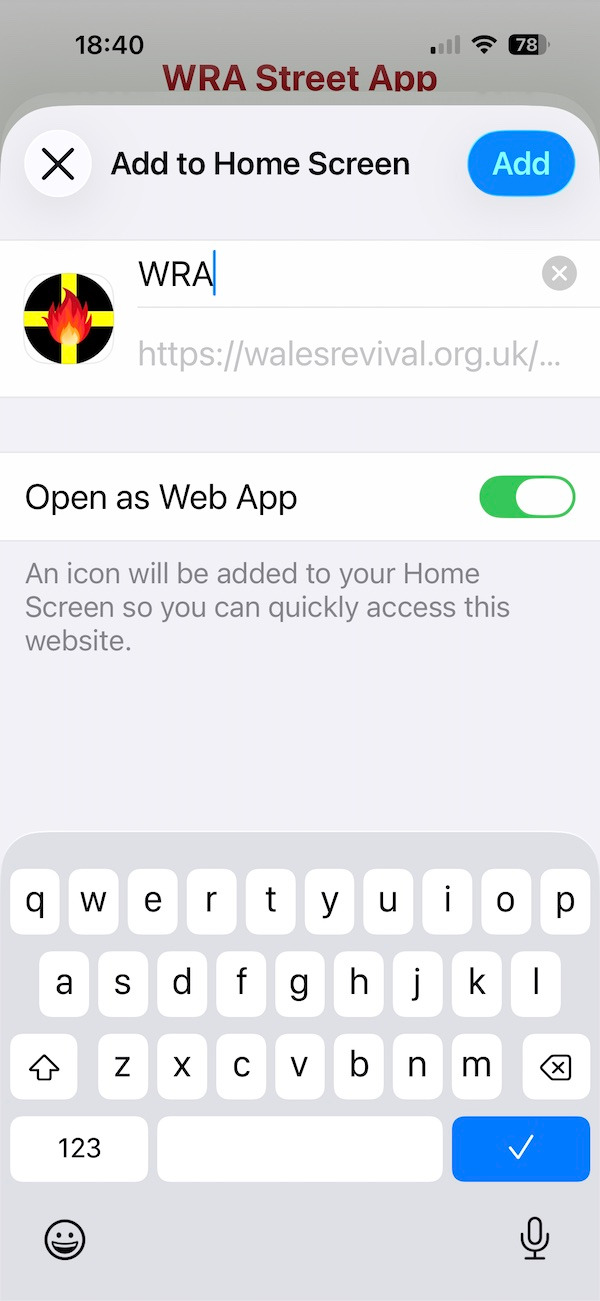
Screenshot 4
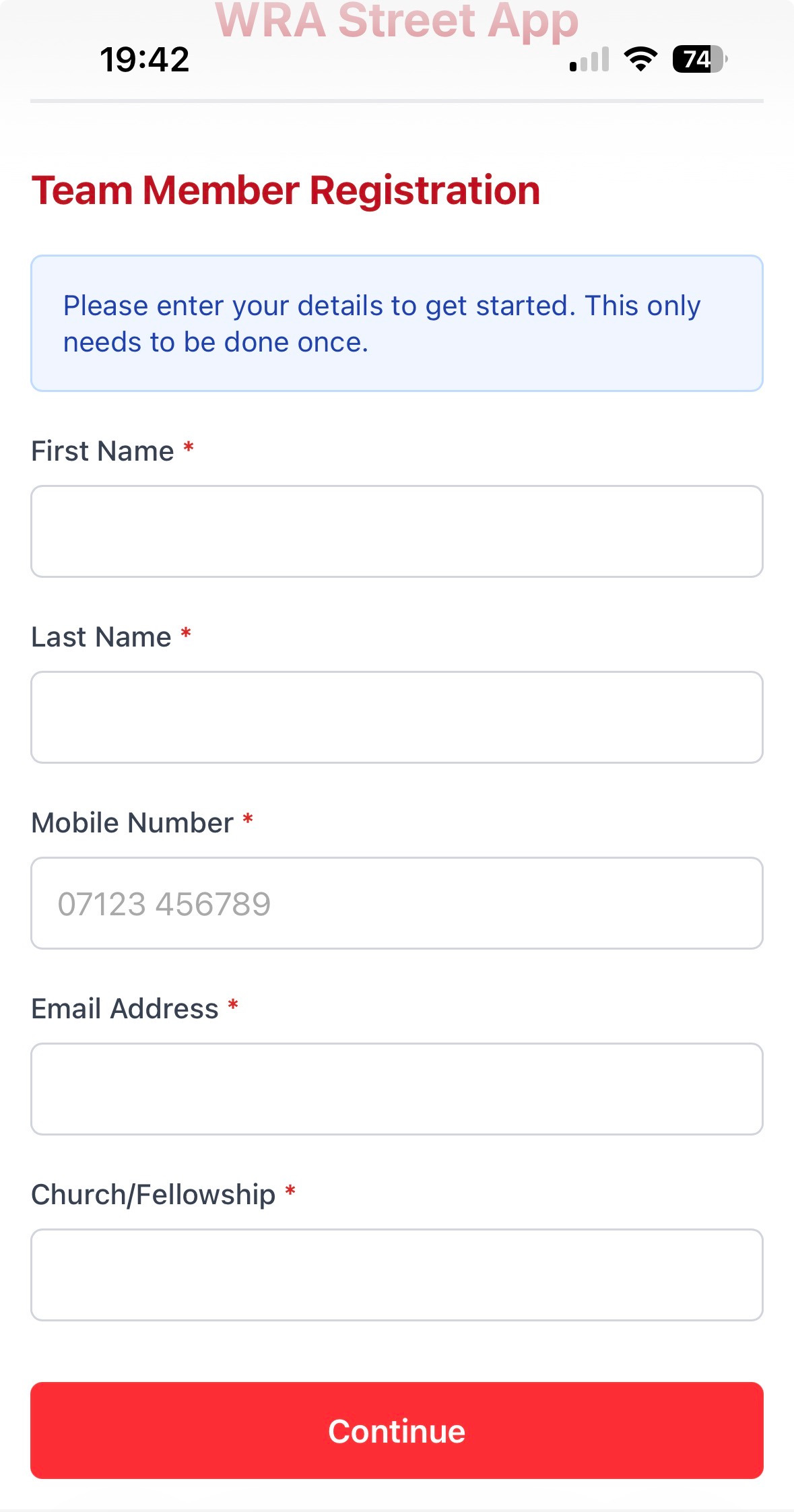
Fill in your details as a team member on the first screen. You only need to do this once and then this screen will not appear again and you will be taken to...
Enter the town/area/event you are working in to collect contacts. You will be reminded to set this on opening the app and you can change the location whenever you start working in a new place.
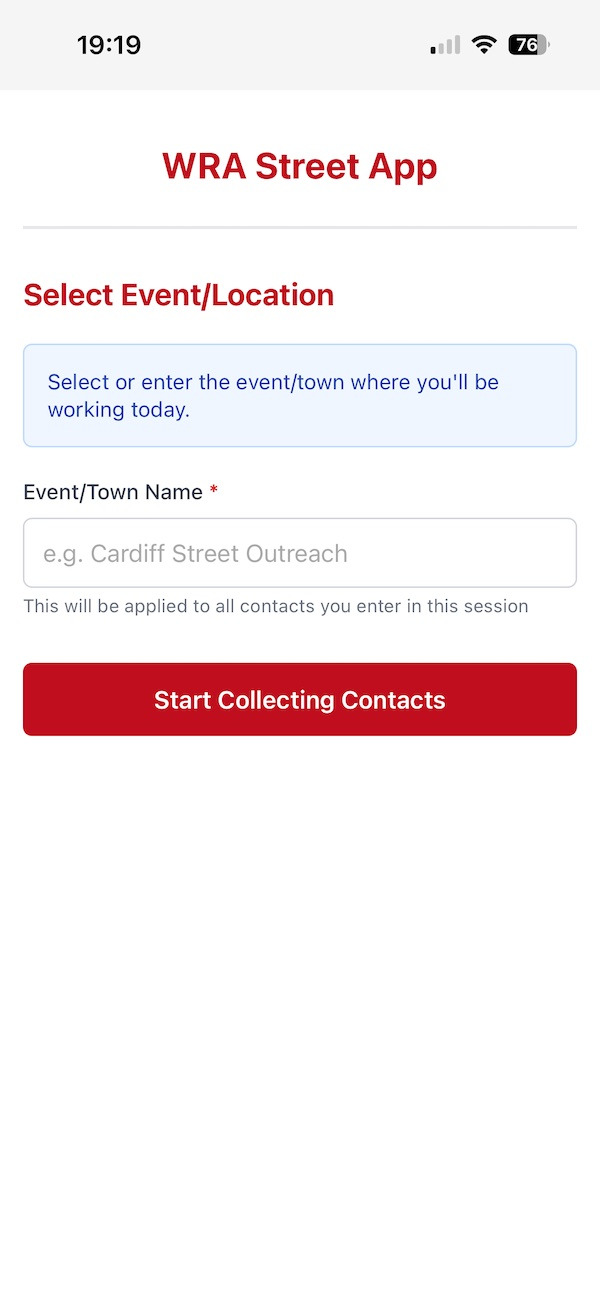
That's you set up and when you click "Start collecting contacts" you will go to the collection form. Every new contact you enter will be sent either a text message or an email, depending on which method of contact they have given you. The tick box at the top is to remind you that we should not take personal information from anyone under 16.




We are a UK registered charity, charity number 1205370
Heddfan, Colwinston, Vale of Glamorgan, CF71 7NE
Contact us - info@walesrevival.org.uk
(c) Wales Revival Alliance 2026
Website designed and built by Interface Websites